
How to Prevent Overbooking in a Small Hotel: 4 Causes and Fixes
How to prevent overbooking in a small hotel or hostel: the four mechanical causes, starting with sync timing, and what each one takes to fix.
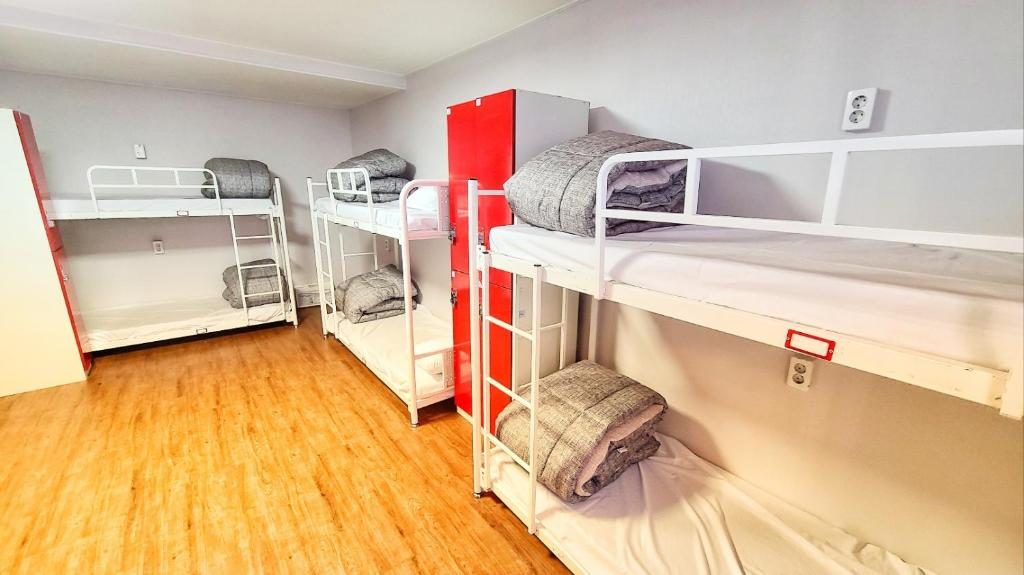
Overbooking in a small property is almost never carelessness. It is mechanical. Something in the chain between your calendar and the booking sites let a room or bed be sold twice. In our experience there are four causes. They are listed here in the order we most often run into them, and each needs a different fix.
The short version: (1) the gap between two channels updating, (2) bookings that never enter the system, (3) mapping errors between your rooms and the OTA listings, and (4) a connection that broke without telling anyone. Only the first one is really a timing problem. The other three are process and setup problems that look like timing problems when you are standing at the front desk with two guests and one bed.
We run guesthouses ourselves in Busan, one with about 38 rooms and one with about 45, so this list comes from fixing our own double bookings, not from a textbook. We have not counted incidents across other properties, so do not read the order as a statistic. Below we suggest how to check the order against your own records.
1. Sync timing: the gap between two channels
This is the one people mean when they say "my channel manager double-booked me." It usually did not. What happened is a race.
An OTA does not ask you whether a room is free when a guest clicks "book." It shows a stored availability number, and it sells against that number. Your other channels hold their own stored numbers. When a booking comes in on one channel, the update has to travel to your channel manager and then out to every other channel before their stored numbers change. Until that finishes, the other channels still say the bed is available.
Here is a made-up example to show the mechanics. You have one bed left in a dorm. A guest books it on Booking.com. The reservation reaches your channel manager, which then has to tell Hostelworld, Agoda and Airbnb the count is now zero. If a second guest books on Hostelworld before that update lands, Hostelworld accepts the booking, because from its side the bed was still free. Both bookings are valid, and you have one bed.
You cannot remove this window. You can only make it shorter and make it matter less.
What it takes to fix
- Use a real two-way API connection, not calendar feeds. iCal-style calendar sharing works by each side fetching the other's calendar on its own schedule, and that schedule can be hours. If any of your channels connect this way, that channel is your biggest exposure. Check each connection type on your channel list.
- Ask how reservations reach the system. Is a new booking pushed to the channel manager when it happens, or does the channel manager check for new bookings every so often? Ask your vendor directly, and ask for the answer per channel, because it can differ.
- Shrink your exposure at low inventory. The race only causes damage when the count is at or near one. A 10-room property hits "last room" on busy nights far more often than a 200-room hotel. Options: close your least important channel when one unit remains, or keep one room or bed out of OTA inventory on peak dates as a buffer. It costs you a little occupancy, so decide date by date.
- Remember the OTA's own cache. Even after your update arrives, some channels take time to reflect it in search results. You cannot control that. It is another reason to keep a buffer on your highest-demand dates.
2. Bookings that never enter the system
Second in our experience, and completely within your control: a reservation exists, but the calendar does not know about it.
Typical sources:
- A walk-in paid cash and the staff member wrote it in a notebook.
- A regular guest messaged you on WhatsApp or Instagram and you said "yes, see you Friday."
- A booking was made or changed directly in an OTA extranet on a phone, on a channel that is not connected, or while the connection was down.
- A friend, a long-stay extension, or a group was agreed verbally.
The channel manager can only protect inventory it knows about. If the sale is not in the calendar, no channel gets closed for that night.
What it takes to fix
This is a rule, not software. Every sale, however small, is entered in one place before the conversation ends. If a staff member has to say "I'll add it later," that is the moment the overbooking starts. Make it a rule that the calendar is the only source of truth, and that a note in a chat app is not a reservation.
It also helps if the system supports quick entry on a phone or front-desk screen and shows availability at the bed level for dorms. If entering a walk-in takes longer than writing it on paper, people will write it on paper.
3. Mapping errors between your rooms and OTA listings
Third: the sync is fast and every booking is entered, but the OTA listing is connected to the wrong thing. Small properties are prone to this because their inventory is irregular:
- A private room that is sometimes sold as a private and sometimes as beds in a dorm.
- Two listings on one OTA that point to the same physical room, such as "Double with Balcony" and "Double Deluxe."
- A room type with 3 identical rooms mapped to a listing that a channel treats as having 2, or 4.
- A room renamed or reconfigured, while the OTA's old listing stayed connected to the old setup.
Everything looks fine until a specific combination of dates and room types sells past what the room can hold. It seems random because only some bookings trigger it.
What it takes to fix
An audit, done once and repeated whenever you change your room setup. For each OTA listing, write down which physical rooms or beds it draws from and how many can be sold at once. Then check whether the channel manager's mapping matches that list exactly. Pay extra attention to any physical room that can be sold in more than one way. If two listings share a room, the system has to know they share it.
Do a test as well. Block all but one unit and see whether every channel shows exactly one available. It takes a few minutes and finds mistakes that months of normal operation will not.
4. A connection that broke silently
Fourth, and the least frequent, but it causes the worst weekends. A channel connection expires, a login changes, or the OTA rejects updates, and nothing visibly fails. Your calendar keeps working. Your channel manager keeps working. But one channel has stopped receiving your availability, so it keeps selling from an old number.
This often happens when someone changes a password or permissions in an extranet, or when an OTA changes its requirements and asks for a reconnection. Nobody notices until the first double booking.
What it takes to fix
- Check connection status on a schedule. A daily glance at the channel status screen, part of whoever opens the shift, is enough. Look for errors and for the last successful update time.
- Spot-check one channel weekly. Close a single future night, and confirm it appears closed on the OTA's public page.
- Keep one owner of extranet credentials. The more people who can change logins and settings, the more likely a connection breaks without anyone knowing why.
Find your own order
The ranking above is what we see, and yours might differ. A property with many walk-ins may find cause 2 comes first. One that uses iCal on two channels may find cause 1 dominates.
Take your last 12 months of double bookings or near-misses. For each one, write down which channels were involved, how far apart the two bookings were, whether either was entered by hand, and whether the room type was one that can be sold in more than one way. Count how many fall into each of the four groups. If two bookings arrived minutes apart, it is timing. If one was in a notebook, it is process. If the same room type keeps appearing, it is mapping. If one channel keeps appearing, look at the connection.
Do this before you buy or change any software. It tells you which of the four fixes is worth your effort.
When it happens anyway
Even with all four covered, a race on the last unit can still happen occasionally. Decide in advance what you will do: which nearby property you will walk the guest to, who pays the price difference, and who contacts the OTA. A rehearsed plan makes it a bad hour instead of a bad week.
Where a channel manager fits
A channel manager mainly addresses cause 1, and it helps with 3 and 4 through a single mapping screen and connection status. It does nothing for cause 2 unless your staff actually use it as the only place bookings are entered.
In Kimchee, the channel manager is included in the subscription and is built on Channex, with access to more than 490 channels, including Booking.com, Airbnb, Agoda, Expedia, Hostelworld and Trip.com. Pricing for properties outside Korea is a flat monthly fee by room count, from $60 for 1–10 rooms up to $140 for 41–50 rooms, with dorm beds counted four to a room. There is no separate channel manager charge and no long-term contract. Details are on the pricing page, the connection list is on the channels page, and the calendar and bed-level tools are covered under features.
Whatever system you use, ask each vendor the questions from cause 1 and cause 4: how do reservations reach the system, and how will I know when a connection fails? A clear answer to those two questions tells you more than a feature list.
If you want to walk through your own setup, such as which channels you use, how your dorm and private rooms are mapped, and where your gaps might be, get in touch and we will look at it with you.
Run it on a system built by operators
Kimchee is the PMS we use every day across three properties in Busan. The channel manager is included — no separate contract, no per-channel bill.