
Agoda sign-up guide for guesthouses and rental homes
How to list a new property on Agoda: the official sign-up link, what to prepare, hotel-type vs homes at different addresses, and connecting a channel manager.
This guide is for owners who have no Agoda listing yet. We run our own guesthouses in Busan and list them on the same OTAs, so the steps below follow the real sign-up flow as it looked on 6 October 2026.
Agoda at a glance
Listing is free; commission depends on the area (see Finance → Contracted compensation after sign-up). Guests pay Agoda (Agoda Collect) or pay at the property (Property Collect). Since August 2026 the extranet is called Partner Portal (formerly YCS).
It is strong with travellers in Asia, and it can import an existing Airbnb or Booking.com listing to save typing.
Decide first which way you will register. Hotel-type means one address with several rooms (a guesthouse, hostel or hotel): one property on Agoda with room types inside. Unit-type means separate homes or apartments at different addresses: each address is its own property. Ten homes are ten properties, and one login is enough to manage them all.
Sign-up link and first screen
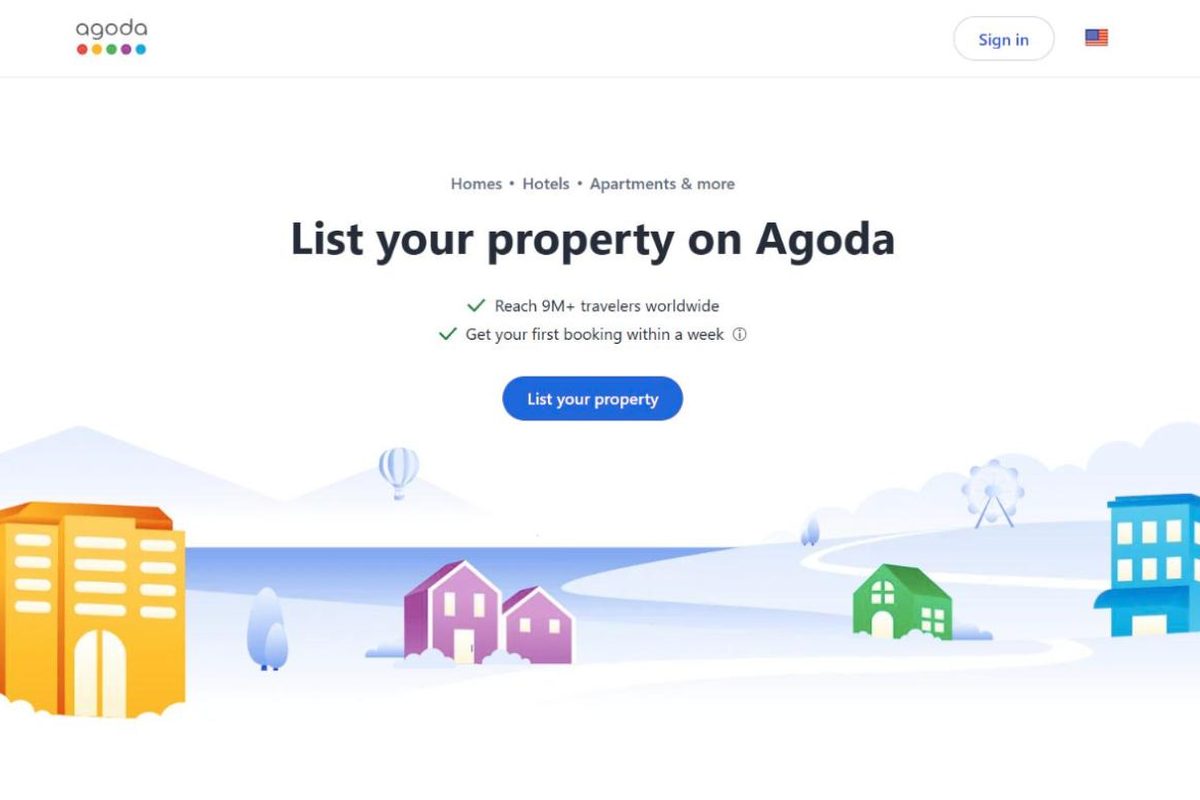
Open the official Agoda sign-up page in English: https://www.agoda.com/en-us/list-my-property. The screenshot at the top of this article is the real first screen. The steps after it only appear once you have an account, so they are described in text. OTAs rename menus from time to time, so labels may differ slightly.
What to prepare
🇰🇷 Properties in Korea — Booking.com and Agoda won't open a listing without a business report certificate (since late 2024). Also have your business registration and a bank account in the business name.
🇹🇭 Properties in Thailand — you may be asked for a hotel/operating licence or company registration. The payout account must match the property owner.
- Property name and address (in English)
- Photos — the more the better (rooms, bathroom, outside, common areas)
- Rooms — room types, beds, max guests, number of rooms
- Base price and policies — check-in/out times, cancellation, children/pets
- Payout bank account and contact details (email, mobile)
Before you start, put your photos, room details and house rules in one folder. The sign-up asks for them in the middle of the flow, and having them ready means you can finish in one sitting instead of saving a half-done listing.
Hotel-type: guesthouse, hostel or hotel
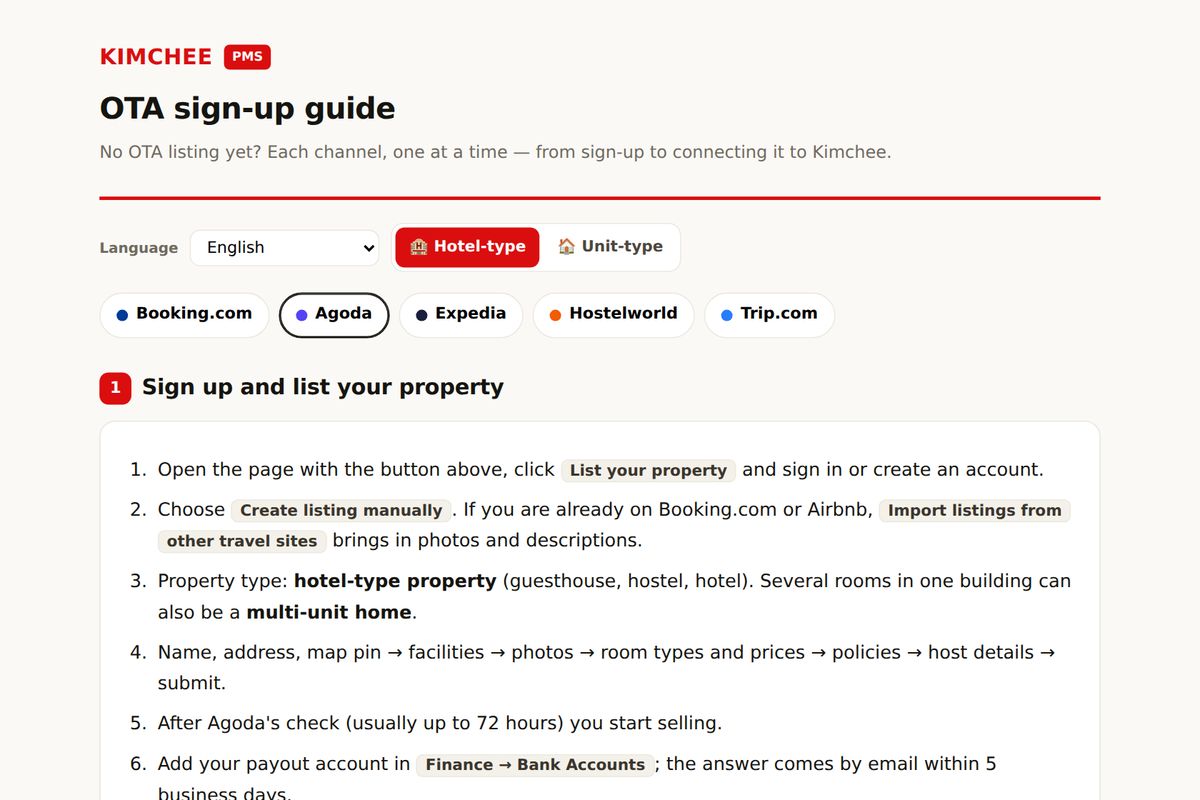
- Open the page with the button above, click List your property and sign in or create an account.
- Choose Create listing manually. If you are already on Booking.com or Airbnb, Import listings from other travel sites brings in photos and descriptions.
- Property type: hotel-type property (guesthouse, hostel, hotel). Several rooms in one building can also be a multi-unit home.
- Name, address, map pin → facilities → photos → room types and prices → policies → host details → submit.
- After Agoda's check (usually up to 72 hours) you start selling.
- Add your payout account in Finance → Bank Accounts; the answer comes by email within 5 business days.
Unit-type: homes or apartments at different addresses
If you put ten homes at different addresses into one property as ten rooms, a channel manager cannot connect them per unit later. Register one property per address from the start.
- Open the page with the button above, click List your property and sign in or create an account.
- Already on Airbnb? Import listings from other travel sites is the fastest. Otherwise Create listing manually.
- Property type: single-unit home — one home is one listing. 10 homes = 10 listings.
- For each home: name, address, map pin → facilities → photos → price → policies → submit.
- Add the next unit from the account menu (top right) → List a property.
- Add your payout account in Finance → Bank Accounts.
After you go live: connect a channel manager
When the listing is live, choose Channex as the connectivity provider in the Agoda extranet and enter the property ID in Kimchee under Channels › Connect & Map. The full extranet steps, and the safe order if you already use another channel manager, are in How to switch your Agoda channel manager safely. The channel manager is included in the Kimchee plan at no extra cost; see pricing and the list of channels.
Frequently asked questions
How much commission does Agoda charge?
Agoda shows the rate for your market during sign-up or in the contract, so check it there before you accept. We do not quote numbers here because they differ by country and change over time.
How long until the listing goes live?
Agoda runs a check after you submit, usually up to 72 hours, before the listing is published.
Do I need a channel manager from day one?
Not for a single channel. Once you sell the same rooms on two or more sites, a channel manager keeps availability in sync so one booking closes the room everywhere. How Kimchee works explains the setup.
Can I manage several properties with one login?
Yes. Use "List a property" in the account menu of the Partner Portal and switch between them with the property switcher.
Questions about a specific setup? See the FAQ or contact us; we run guesthouses ourselves and answer from that experience.
Run it on a system built by operators
Kimchee is the PMS we use every day across three properties in Busan. The channel manager is included — no separate contract, no per-channel bill.